

5. Install one by one (Catalog)
Use this when you need an asset that is not included in a bundle, or when you want to set the size and settings yourself.
Project → Catalog
Install
Select an asset on the left, and its description and the 설치 (Install) button appear on the right.
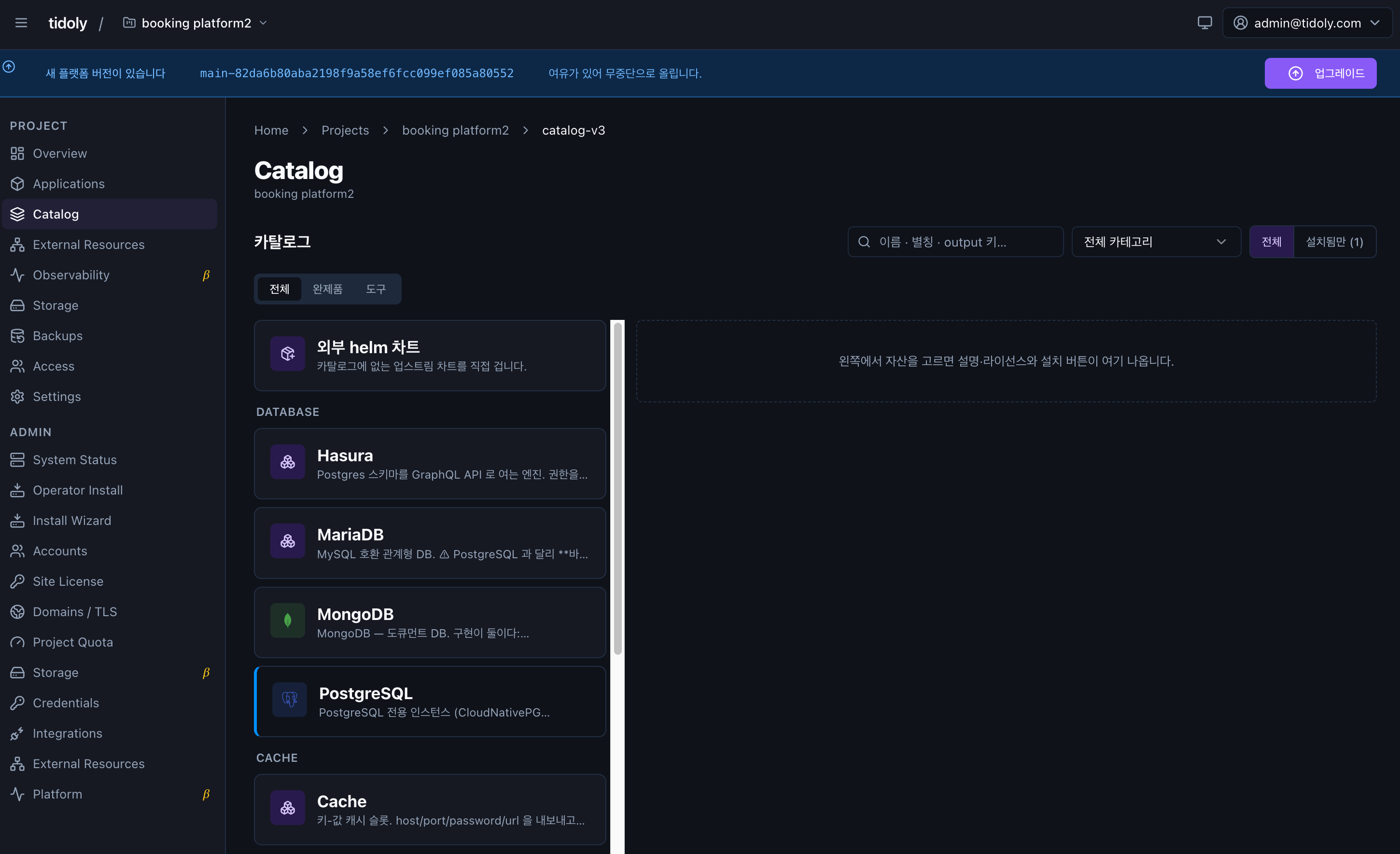
The values you set at installation are name · version · size · storage.
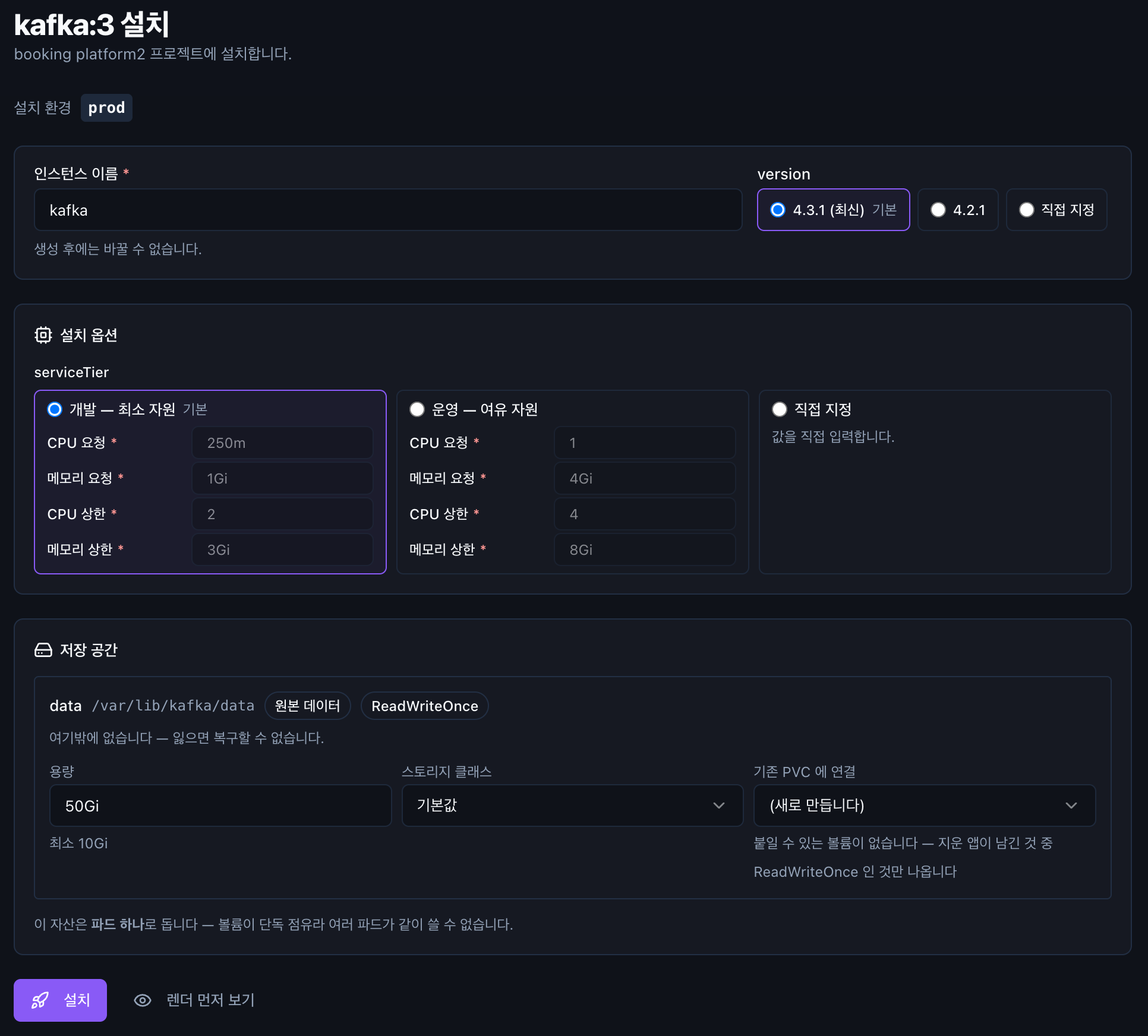
When you click 설치, a progress log is shown. You can see what work is currently in progress, so even if the screen seems to pause for a moment, you know how far the installation has got.
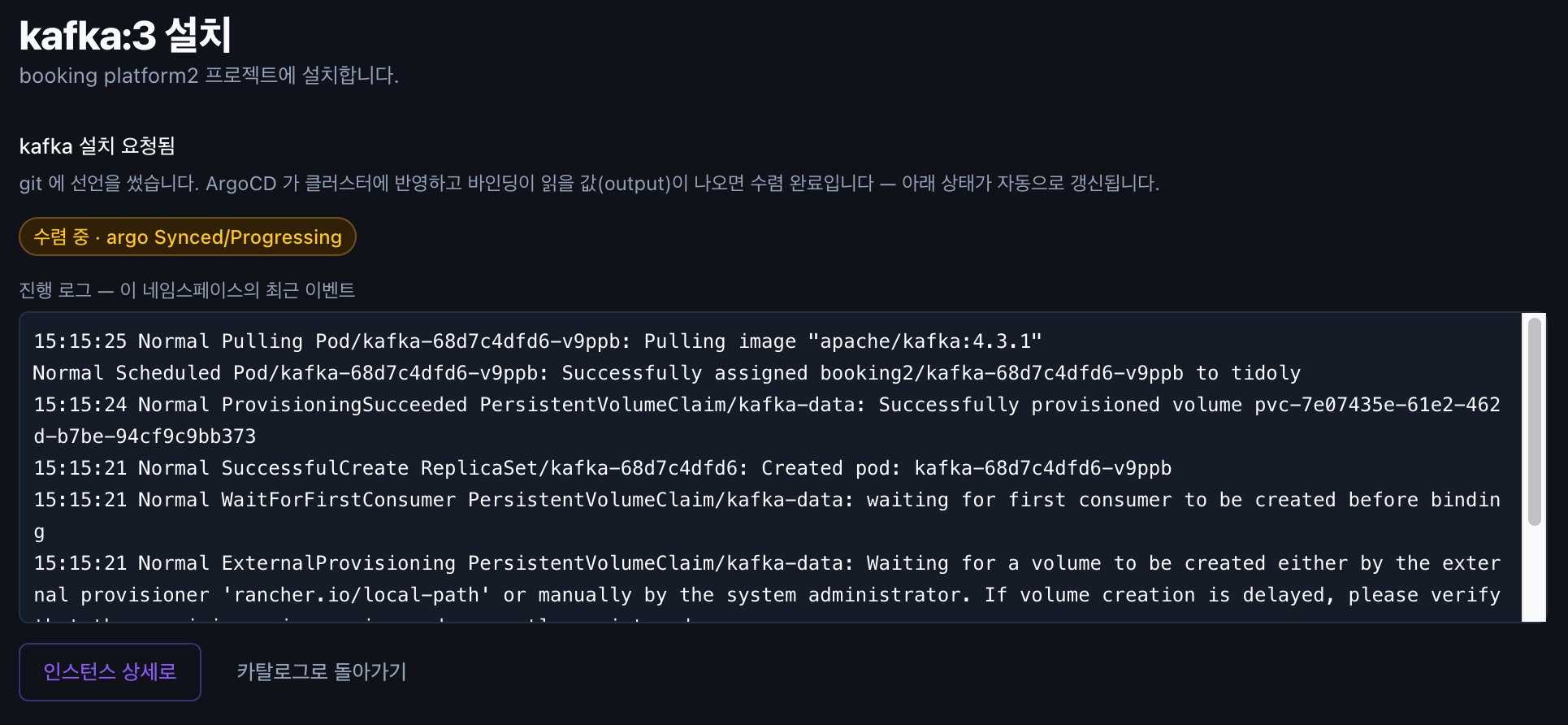
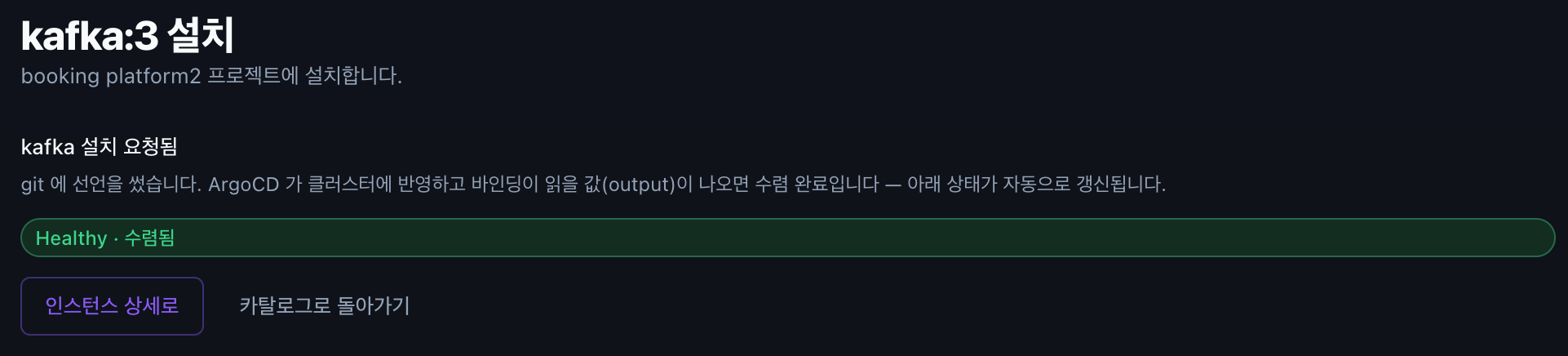
When the status changes 수렴 중 (Converging) → Healthy · 수렴됨 (Healthy · Converged), the installation is complete.
Go to the instance detail to see connection info · settings · metrics · logs · backups on one screen.
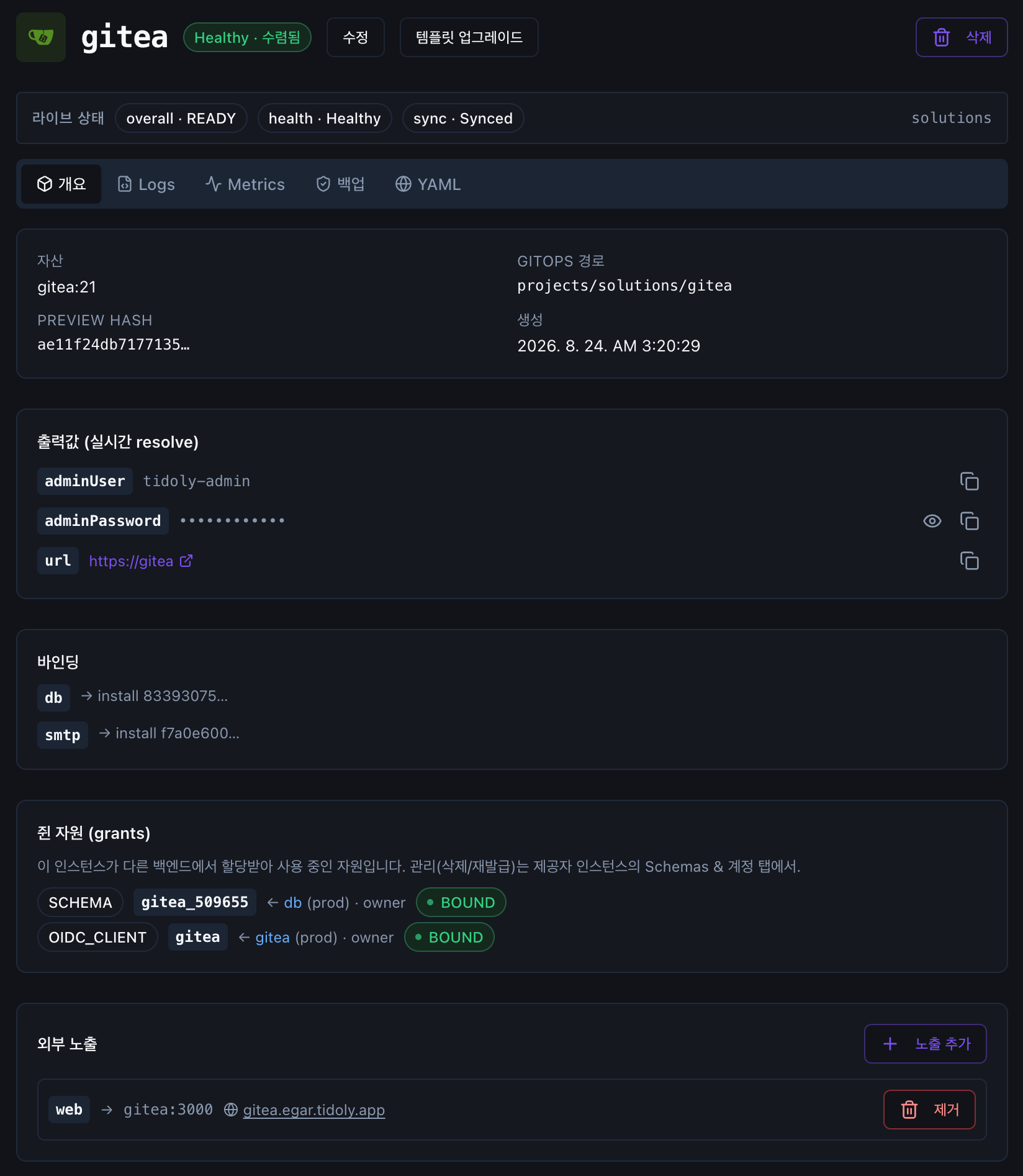
For assets that can connect to other resources, the install screen also shows a 연결 (Connect) section.
Installed assets · external resources · other apps are all shown as connection candidates. → Chapter 8 · Connect resources
With 렌더 먼저 보기 (Preview render) you can check in advance which resources will be created before installing.
Decide the size up front
Some values, such as version pinning and disk size, are hard to change later.
Check your settings once more before clicking install. → Advanced · Storage
When the same app has several install methods
If an app offers several install methods, selecting the app also shows the available implementations.
For example, Kafka offers two implementations: a lightweight single-broker one and an operator-based one.
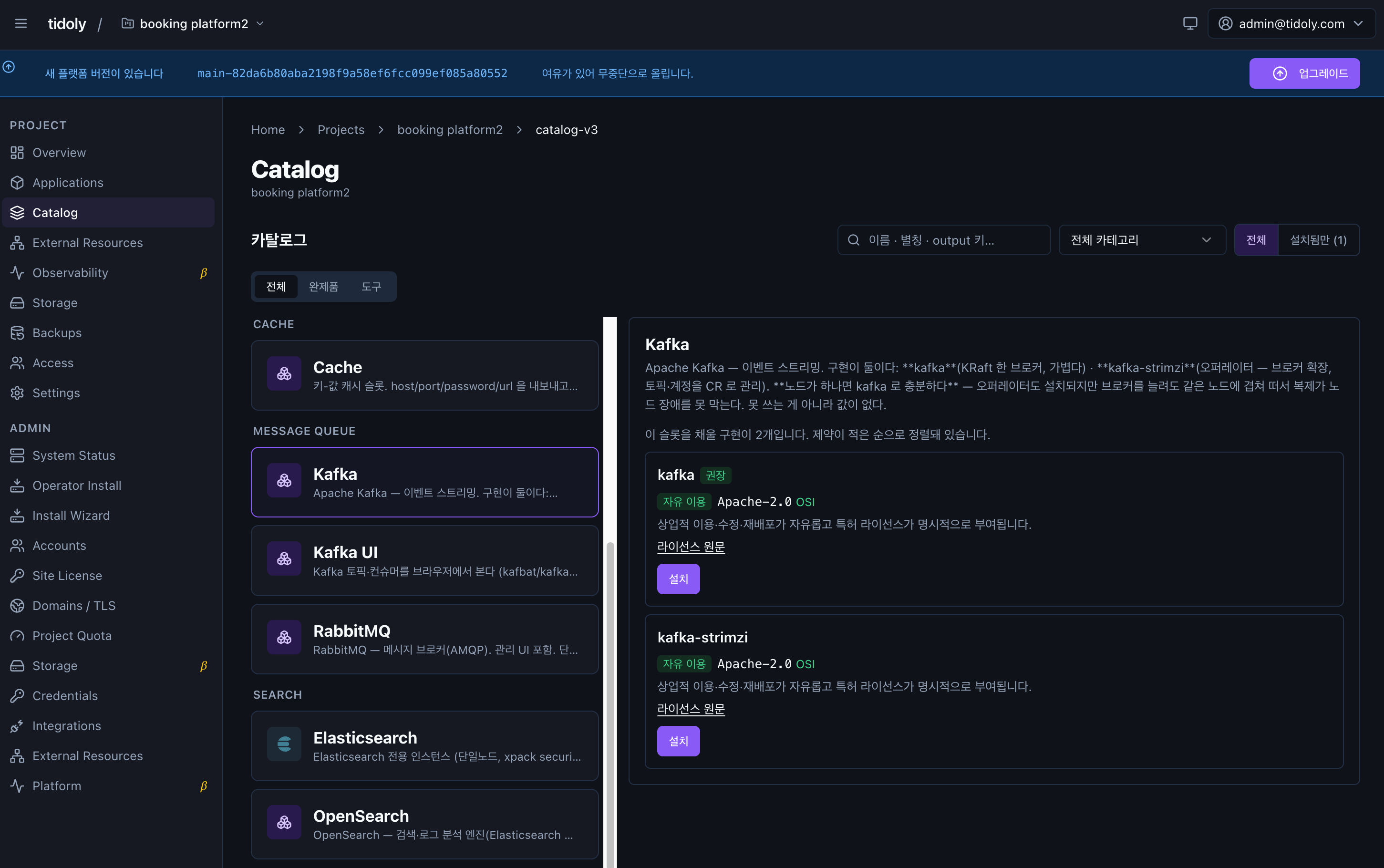
Choose the implementation marked 권장 (Recommended). Each implementation shows when it is a good fit along with license information.
→ Chapter 4 · You can check licenses before installing
Apps not in the Catalog can also be installed yourself using an external Helm chart.
Things you install only once (Operator)
Some components do not appear in the project's Catalog list.
They are not missing — they are components installed once in the cluster and shared by multiple projects.
| Role | Component |
|---|---|
| Certificate issuance · renewal | cert-manager |
| PostgreSQL operations | cloudnative-pg |
| Metrics collection | kube-prometheus-stack |
| Log collection | victoria-logs |
When you install assets in a project, you do not need to think about these components.
If a required component is already installed it is reused automatically; if not, it is prepared as part of the installation.
If each project installed the same Operator separately, identical systems would run multiple times and waste memory and disk.
So it is installed once in the cluster, and assets from many projects share it.
This is why you do not have to choose a separate operations tool when installing a database.
Management — Admin → Operator Install
Components that only need to be installed once for the whole cluster can be installed and removed here.
Assets used by a project (PostgreSQL · Redis, etc.) are installed from Project → Catalog.
For items marked (택1) (Choose one), you only need to pick one of the two.
Examples are components that play the same role, such as metrics collection or log collection.
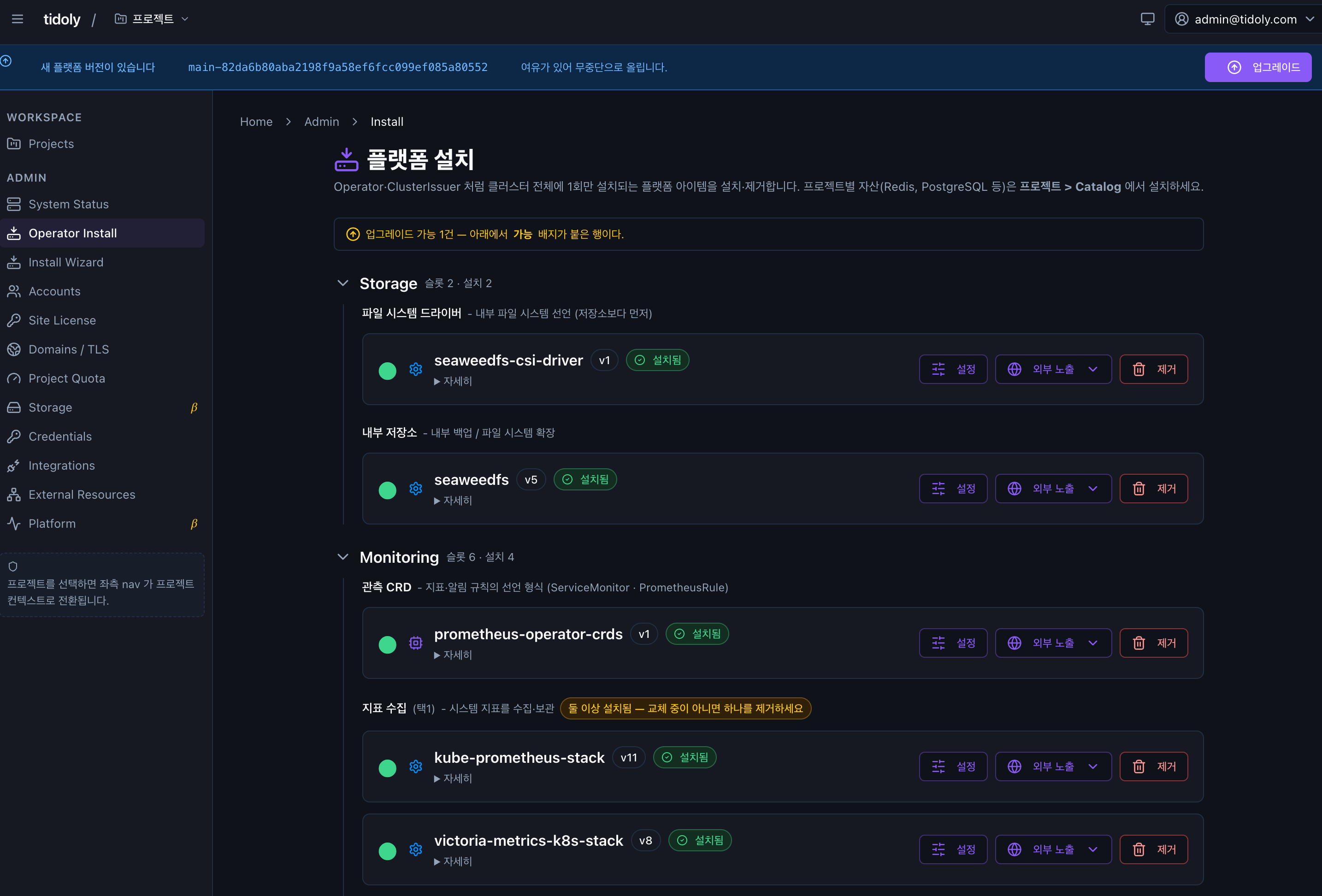
Most are installed with a single click; an input screen appears only when there are values to set.
Upgrades update the existing installation in place, so there is no need to reinstall or stop the service.
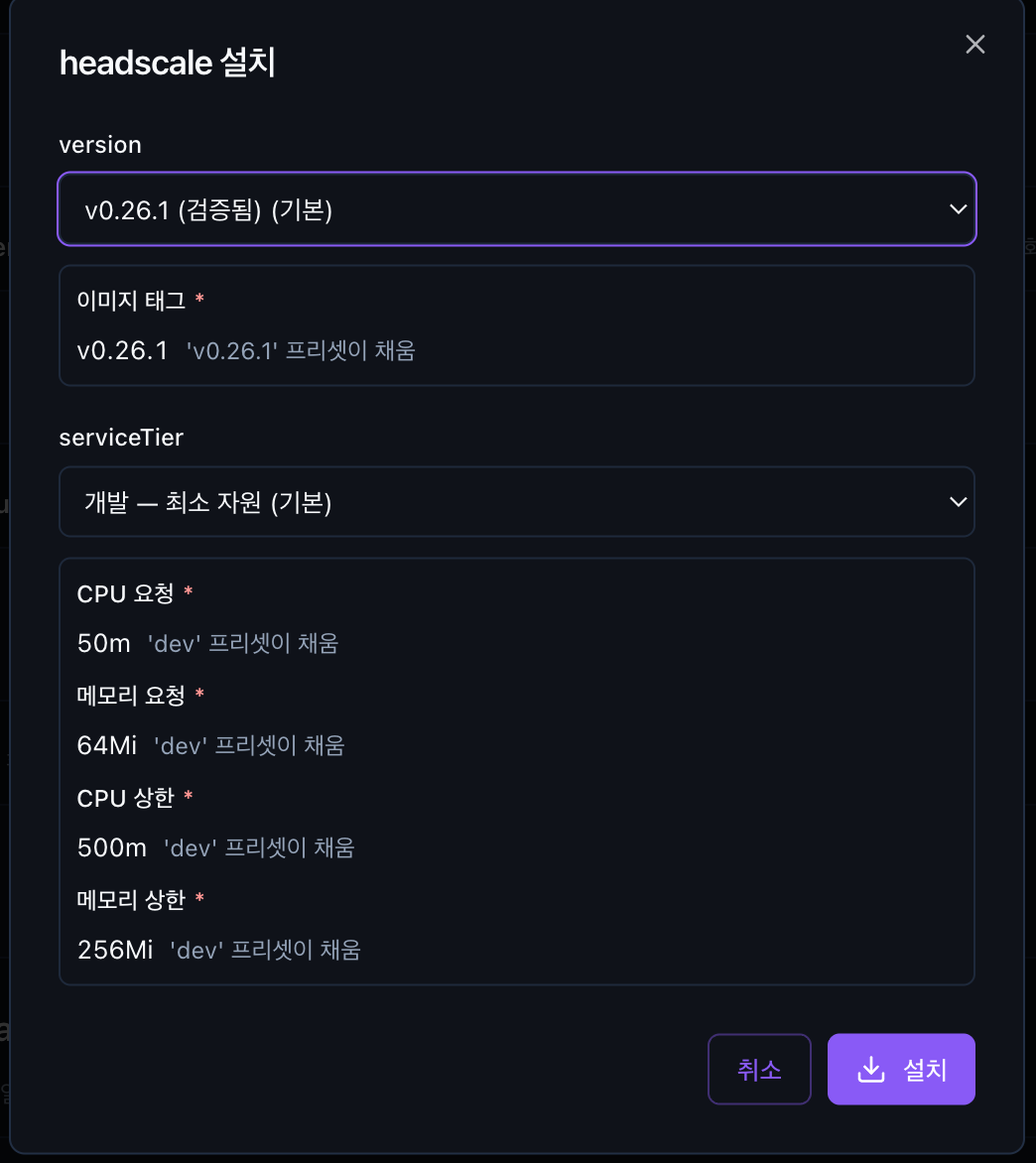
The version marked 검증됨 (Verified) is the default. It is a version confirmed to work in a real environment with that combination.
Components added automatically during initial installation (certificates · access routes, etc.) are required for platform operation, so they are shown in the list but cannot be removed.
Next → 6. Deploy your own app